

Core Keeper Hosting
Your cavern, always open.
A dedicated Core Keeper server keeps your world open when the host is offline, so everyone can mine, build and farm on their own schedule. Steam players join with one Game ID that never changes, and friends on other platforms join by IP.
UK, EU and Canada hosted. Full panel access.
What the panel gives you
Game ID on Your Console
The Game ID players join with sits at the top of the Console page with a copy button. It stays the same after restarts and updates.
Crossplay by IP
Join via IP is on from the start, so players on Epic, Xbox and GOG can join. One click copies the IP, port and password together.
Several Worlds
Keep up to 30 worlds on one server and switch between them on the World & Admins page. Upload a world from your own PC to carry on where you left off.
Mods
Upload mods to the server mods folder and restart. The console lists every mod the server loads.
Updates Itself
The server installs Core Keeper updates every time it starts, so players on the newest version can always join.
Automatic Backups
Your world is backed up on a schedule, and stopping or restarting from the panel saves the world first. Back up or restore a single world in one click too.
Admins and Bans
Add admins and ban players by Steam ID from the panel. A protected admin cannot have admin taken away in game.
Settings in One Form
Server name, max players, world mode, seed and seasonal event, checked as you type and applied on the next start.
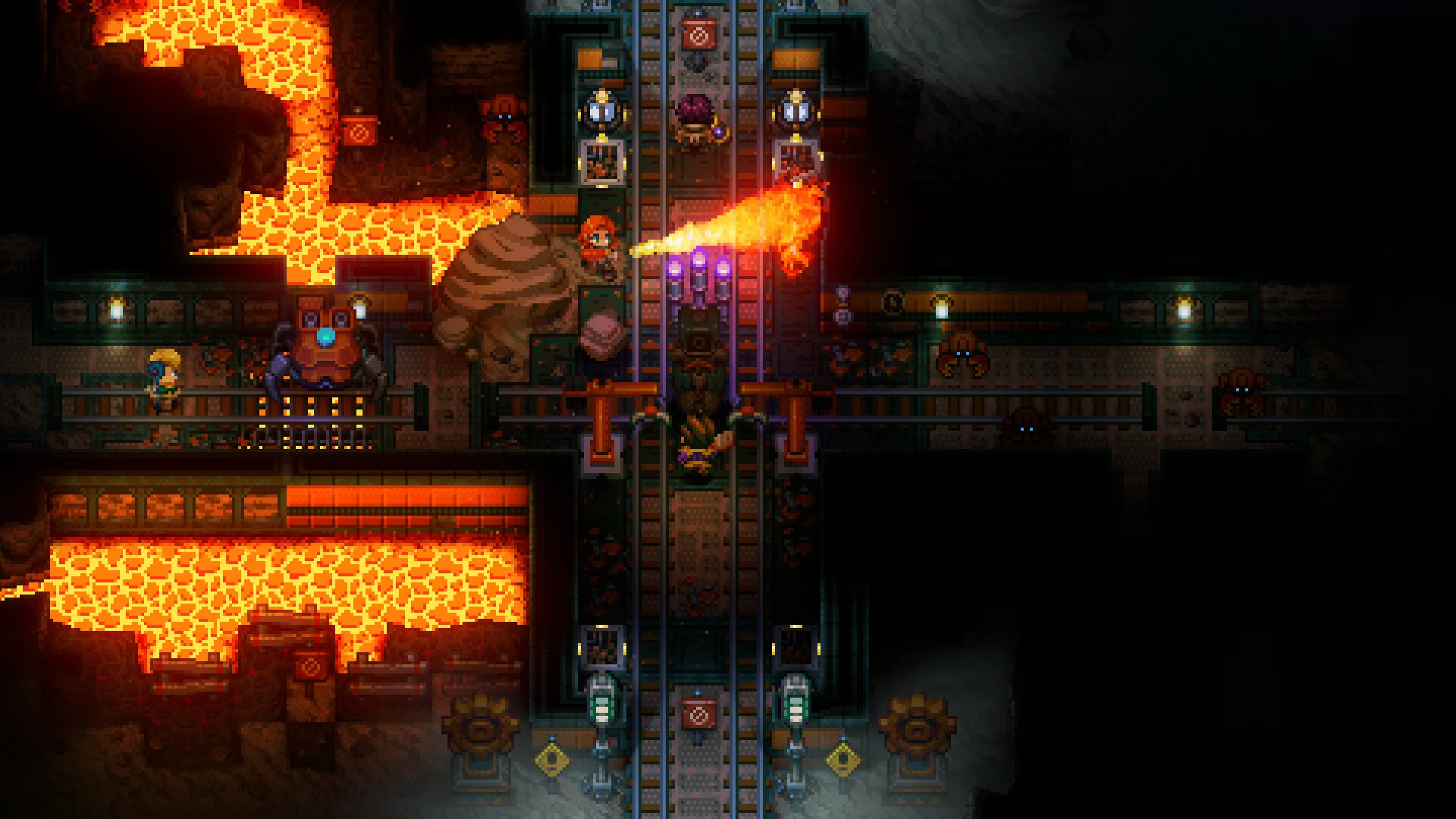
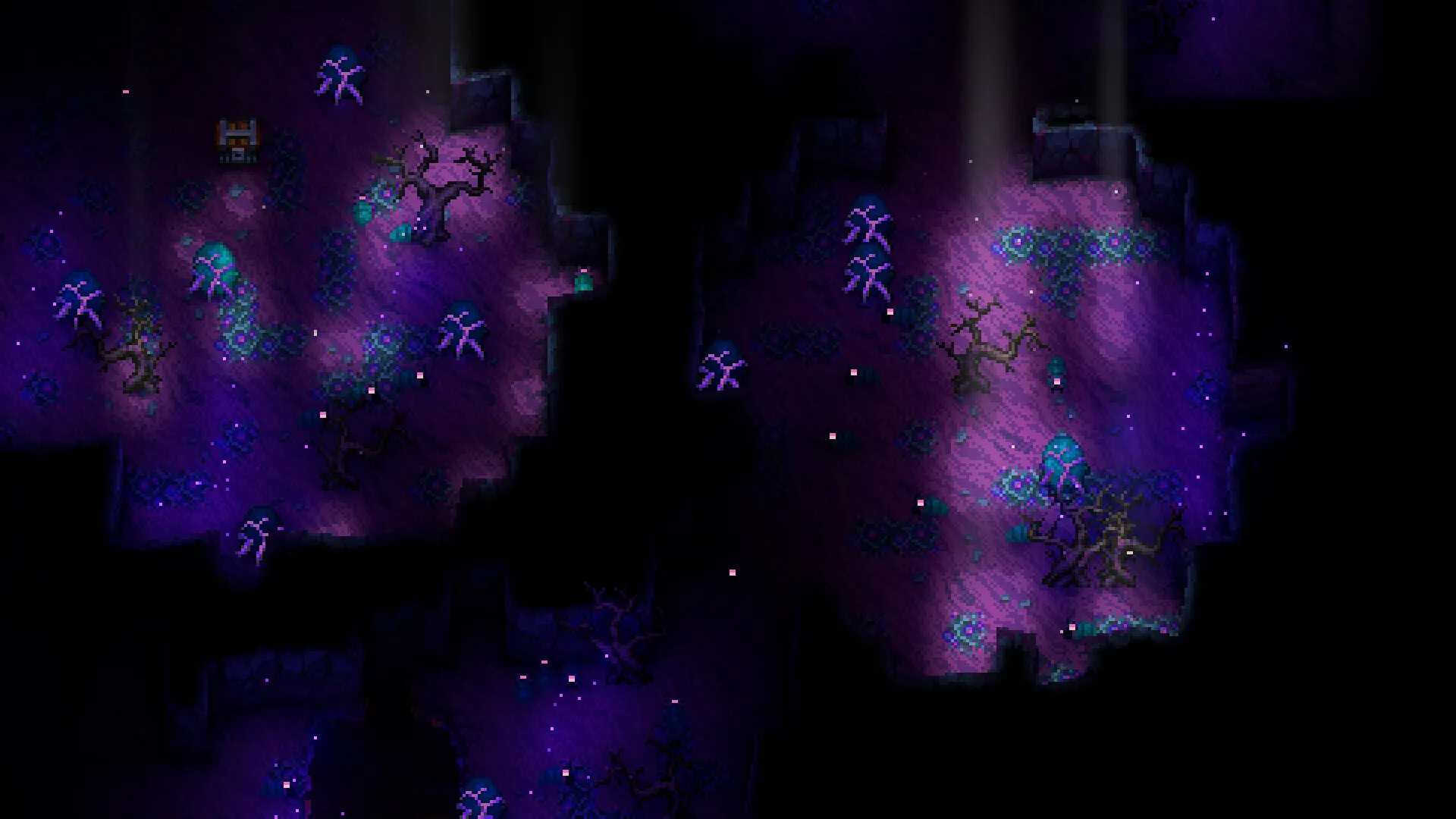
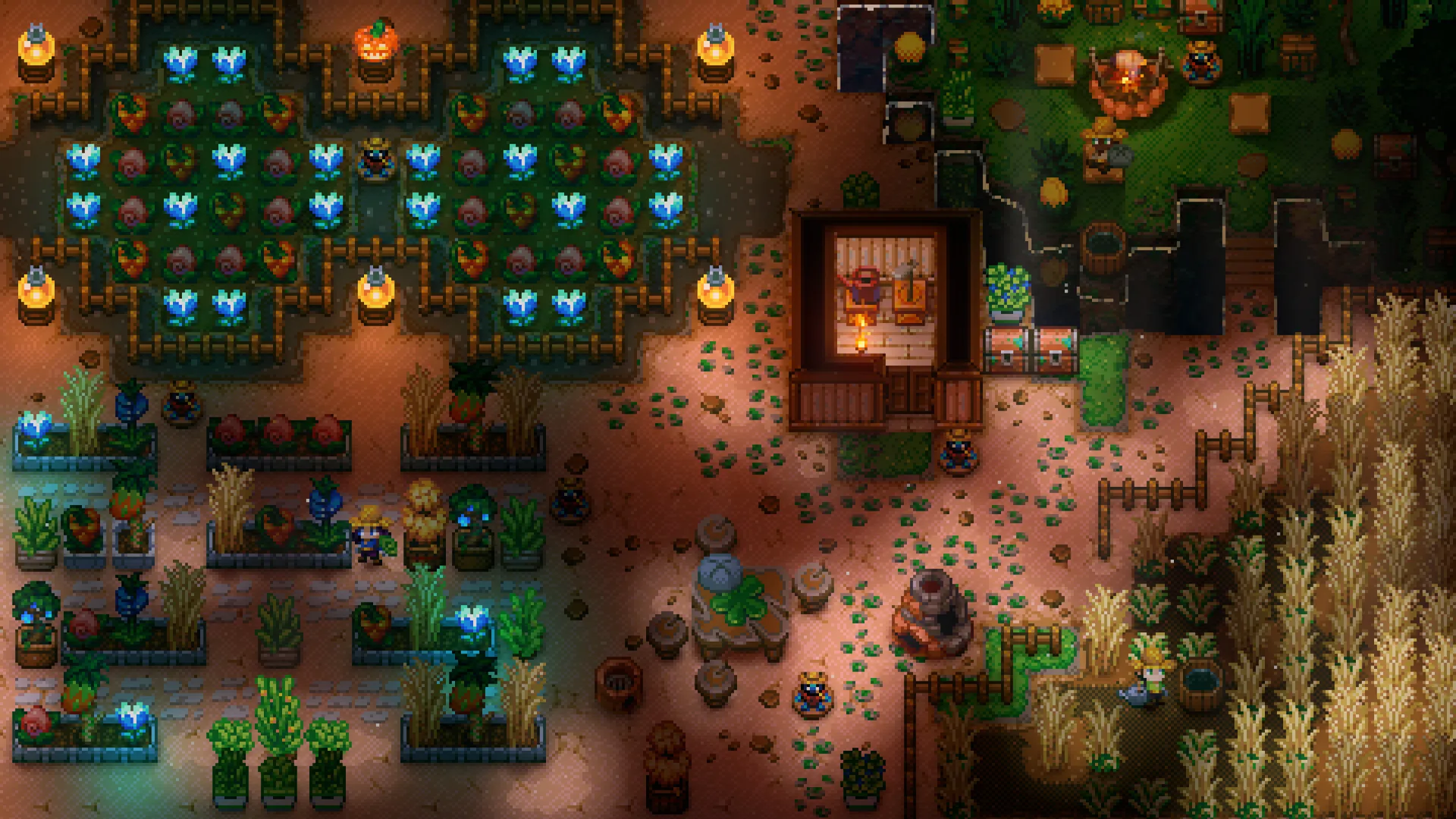
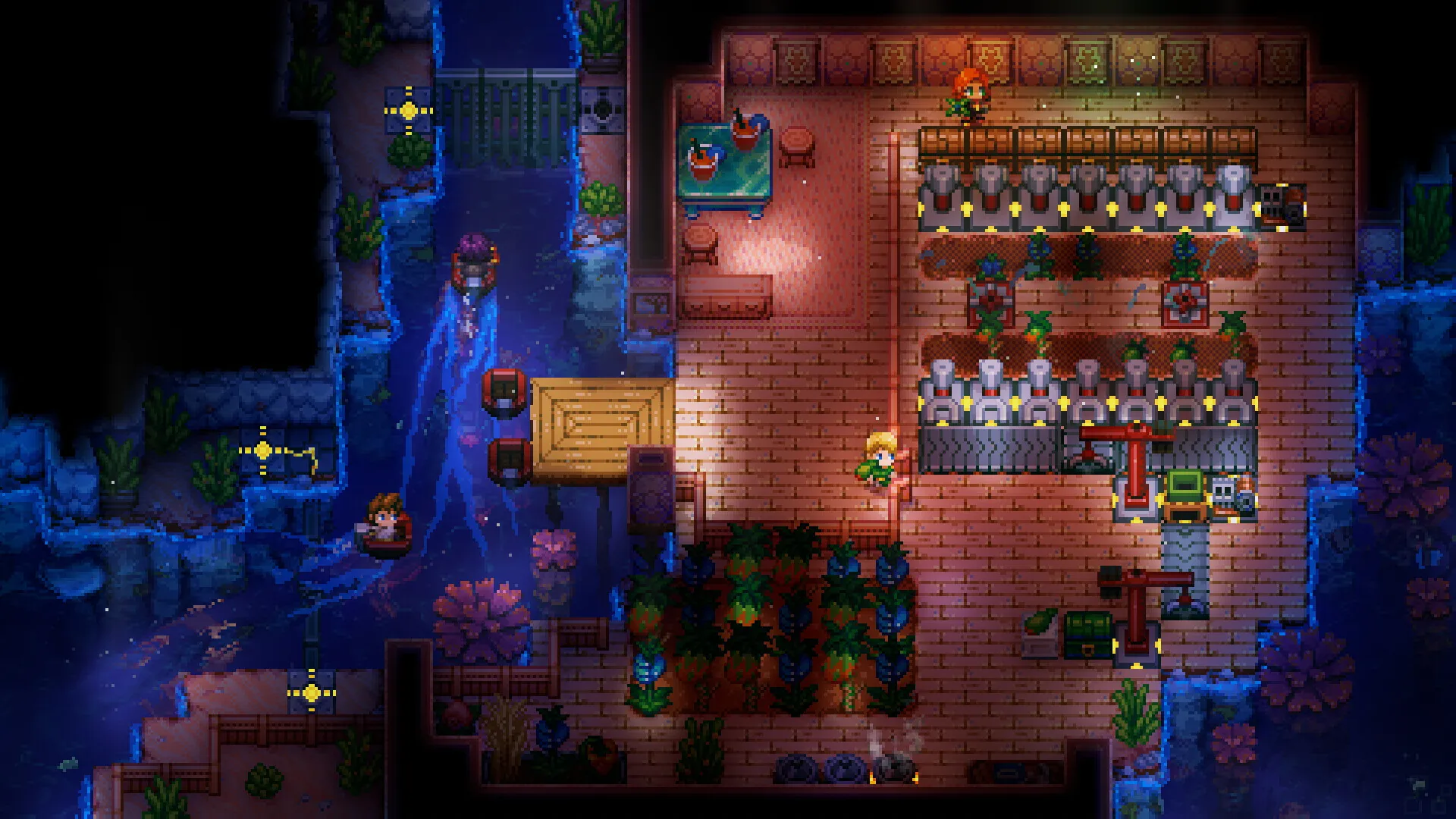
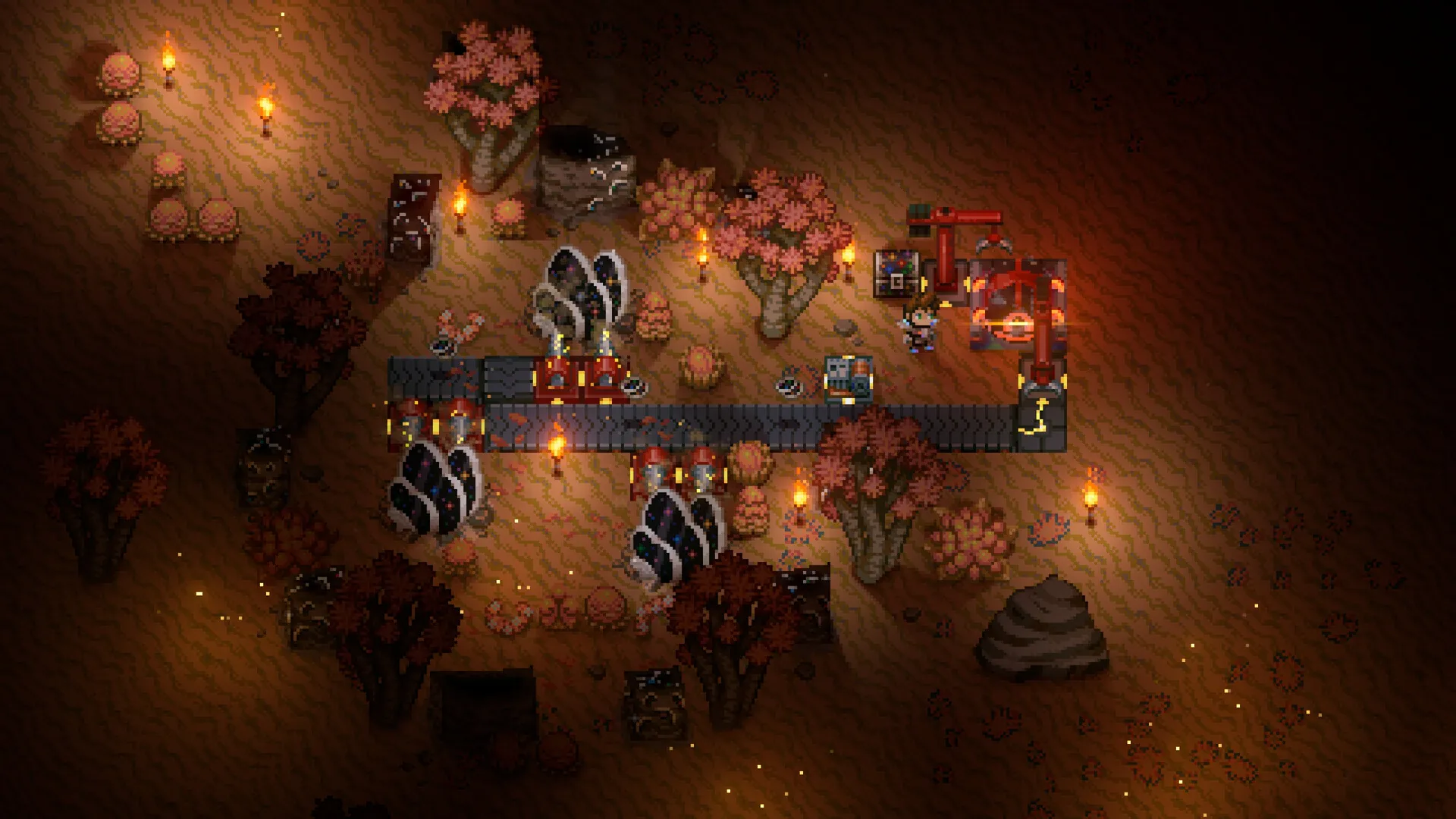
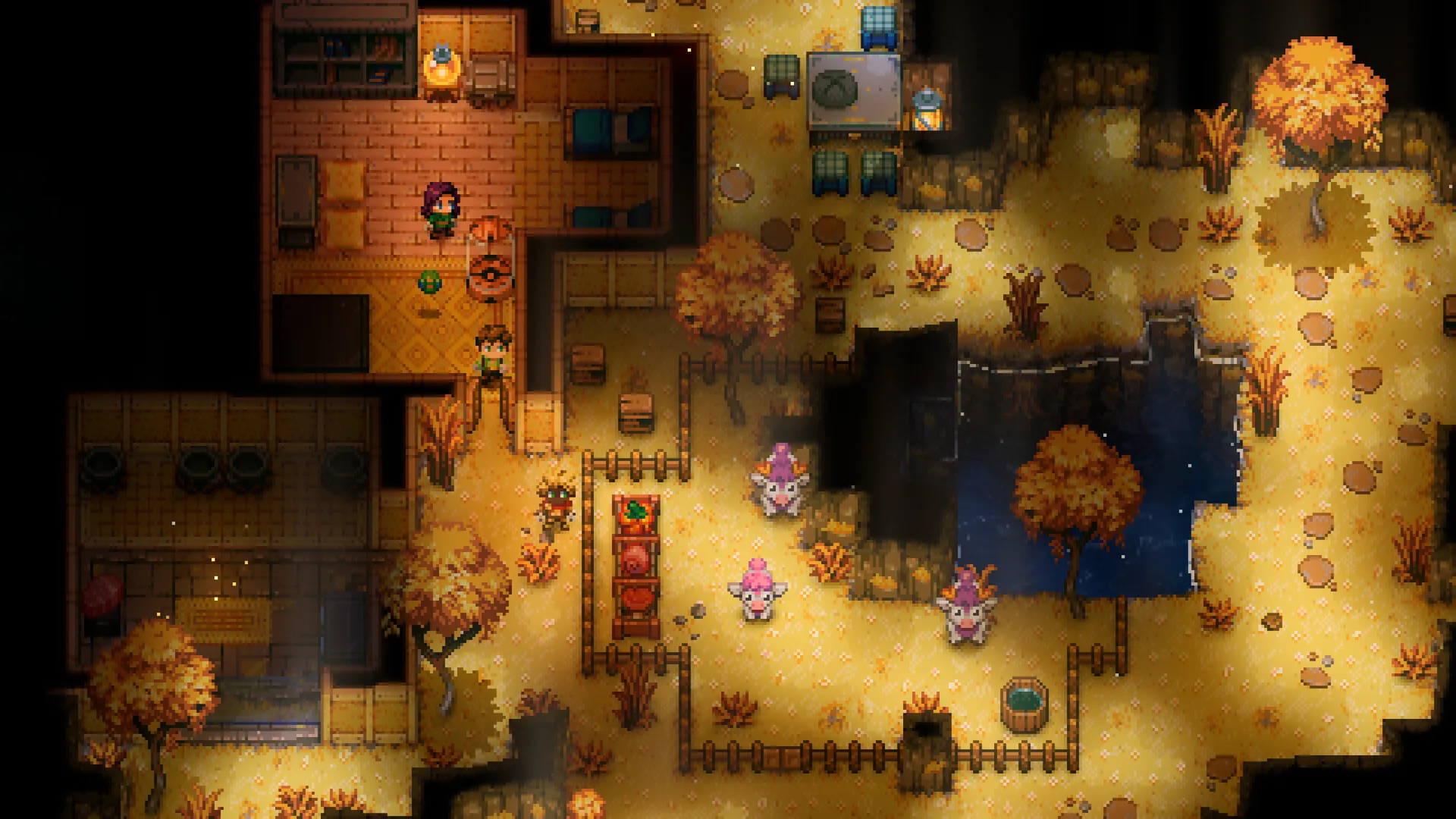
Core Keeper screenshots and logo are from the official Core Keeper Steam store page. Core Keeper is a trademark of Pugstorm, published by Fireshine Games. Zeros Host is not affiliated with or endorsed by Pugstorm or Fireshine Games.
World modes
Normal, Hard, Creative or Casual.
Normal
DefaultCore Keeper as designed: balanced monsters and the full adventure.
Hard
Tougher monsters and better rewards for groups that want a challenge.
Creative
An empty, limitless world for building without limits.
Casual
Gentler monsters for a relaxed world with friends.
World & Admins
Every world, admin and ban in one page.
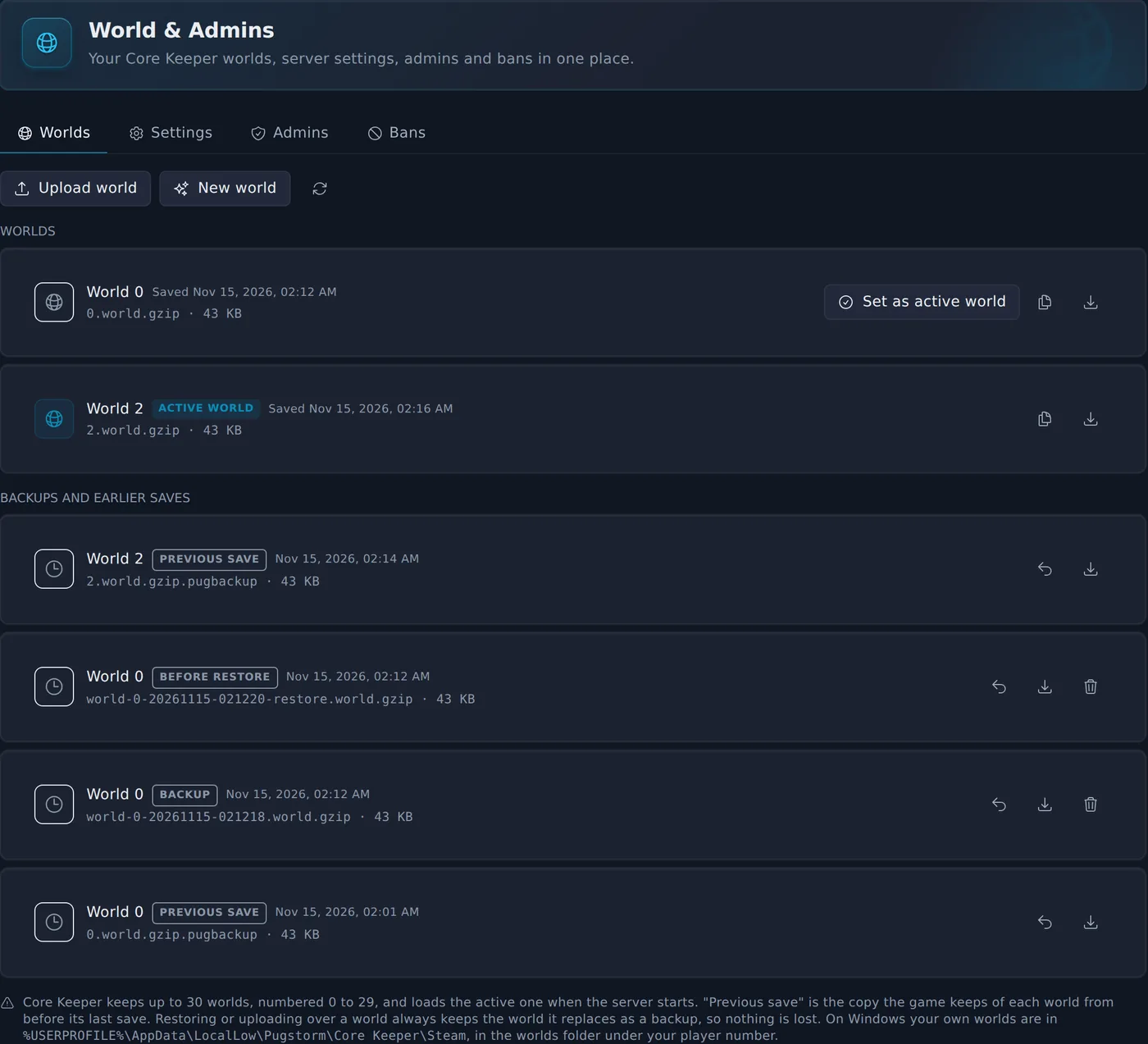
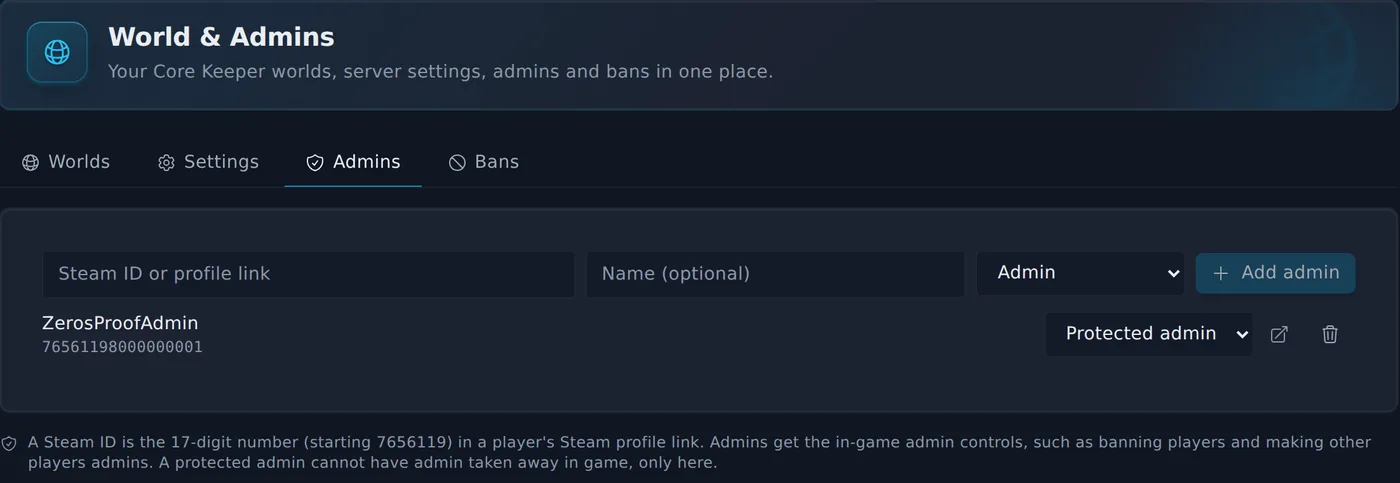
Core Keeper keeps each world as a numbered save file and its admins and bans in plain lists. The World & Admins page turns all of that into buttons, so you never dig through folders to look after your server.
Worlds
Admins
- See every world on your server with its size and when it last saved, and choose which one loads.
- Back up a world in one click. Restore a backup or the game's own previous save, and the world it replaces is kept as a backup.
- Upload a world from your PC, or download one to play on your own.
- Start a fresh world in the next empty slot without losing the others.
- Server name, max players, world mode, seed and seasonal event in one form.
- Admins and bans by Steam ID or profile link. Protected admins cannot lose admin in game.
Tested on a real Core Keeper server: backups and uploaded worlds arrived byte-identical, and the server loaded them on the next start.
Up and running in three steps.
- 1
Pick a plan and a region
Choose UK, Germany or Canada. Your server installs Core Keeper and creates a world on its first start.
- 2
Copy your join details
The Console page shows your Game ID with a copy button, plus the IP, port and password for players on other platforms.
- 3
Join from the game
Steam players choose Join Game and paste the Game ID. Players on Epic, Xbox or GOG choose Join via IP.
Before you set one up.
Steam players join with a Game ID
Core Keeper servers are joined with a Game ID rather than an address. Yours is shown at the top of the panel and stays the same after restarts.
Crossplay by IP
Players on Epic, Xbox or GOG join with Join via IP. The panel shows the IP, port and password, and copies all three in one go.
The world keeps going
The server runs whether or not the person who set it up is online. Nobody has to leave a PC on to host.
You might also host
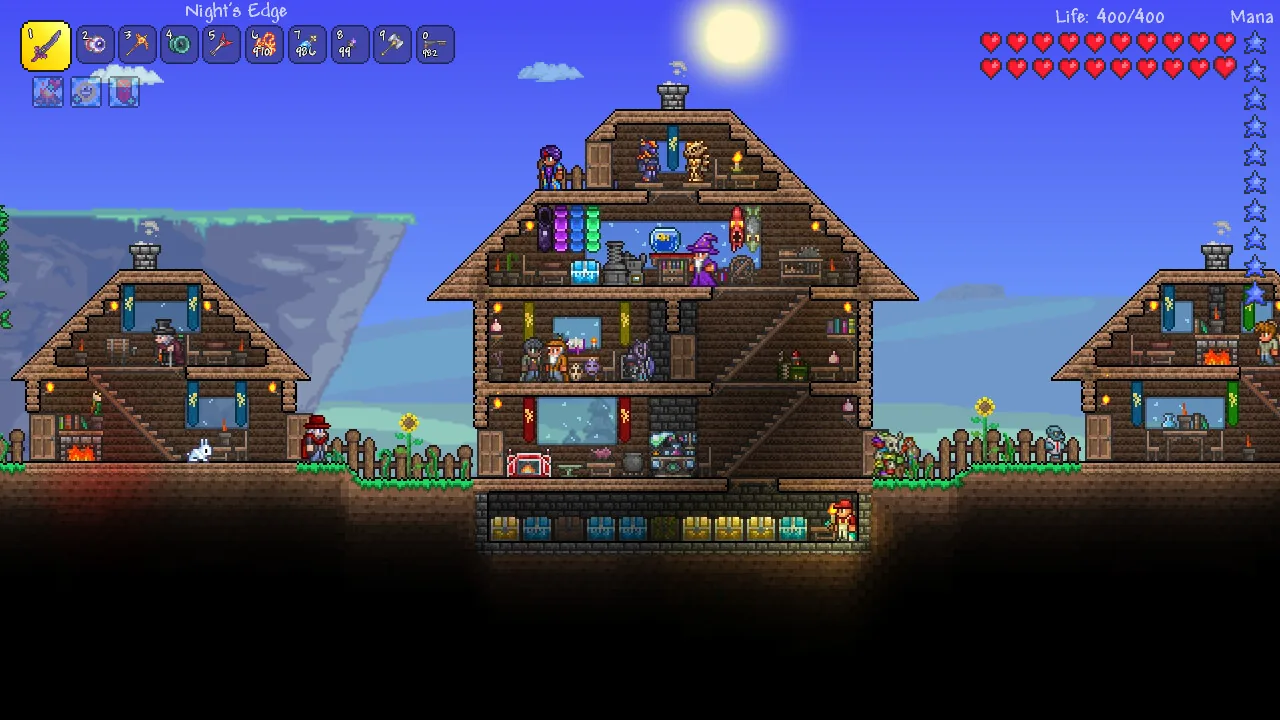
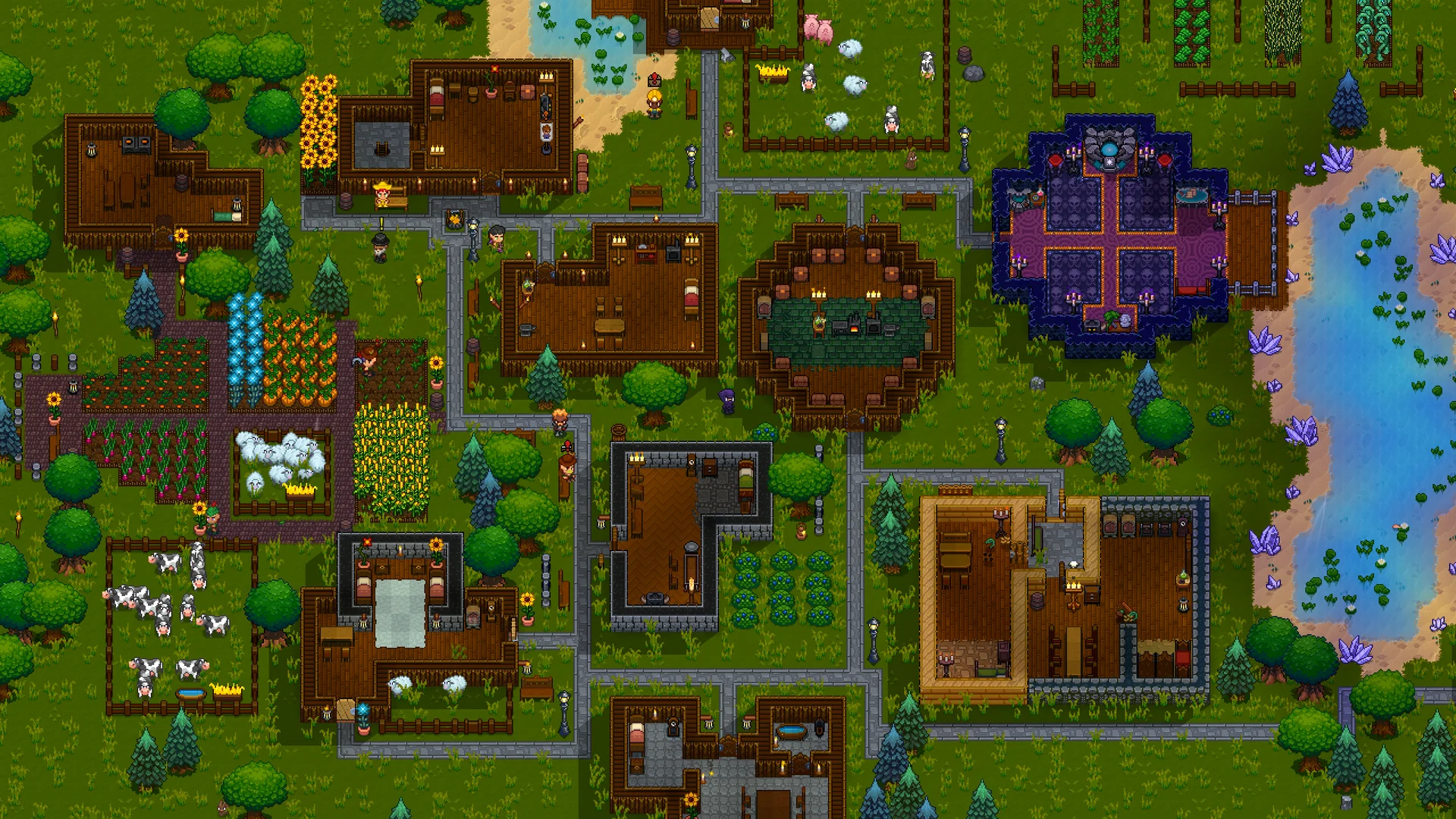
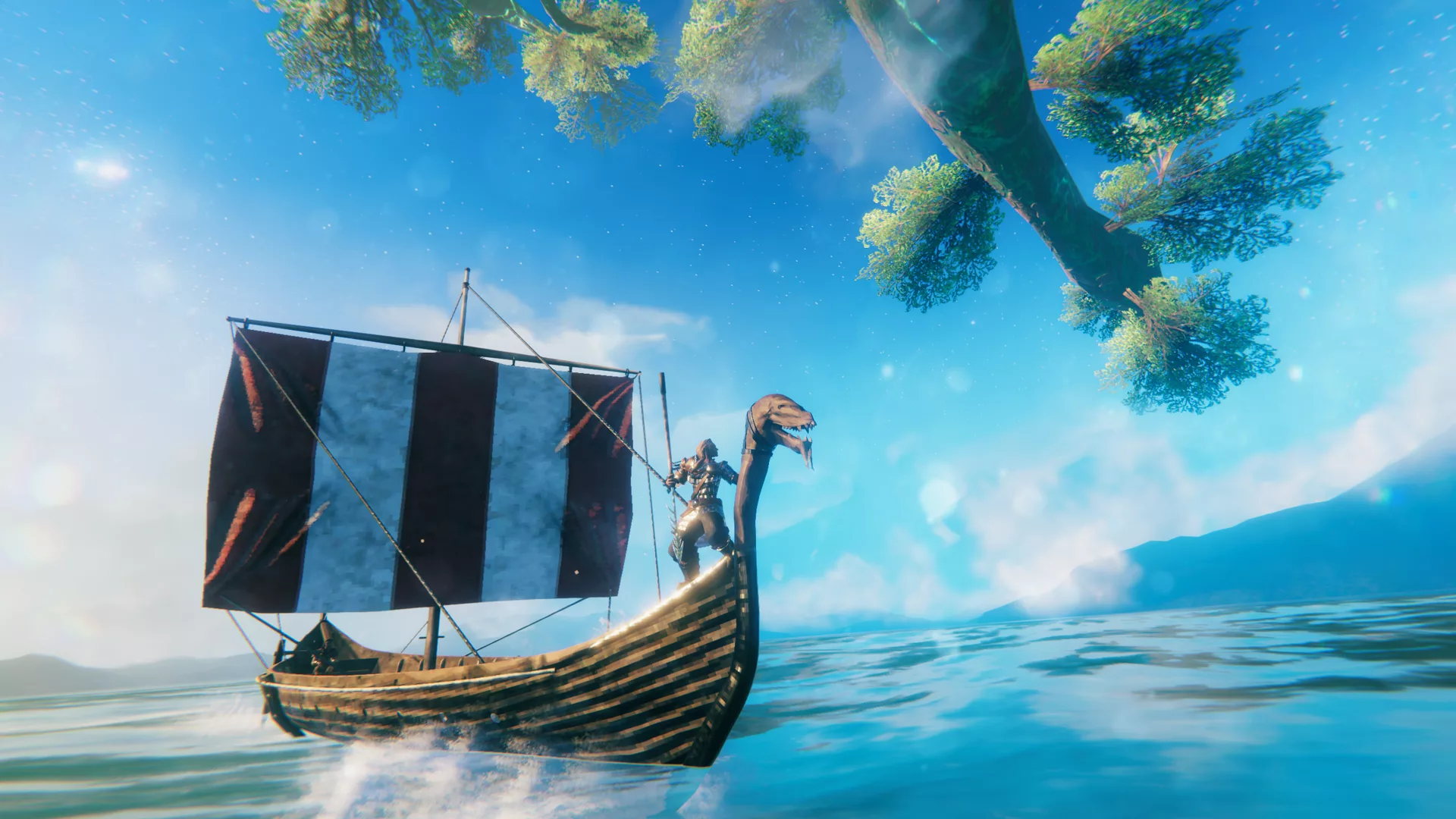
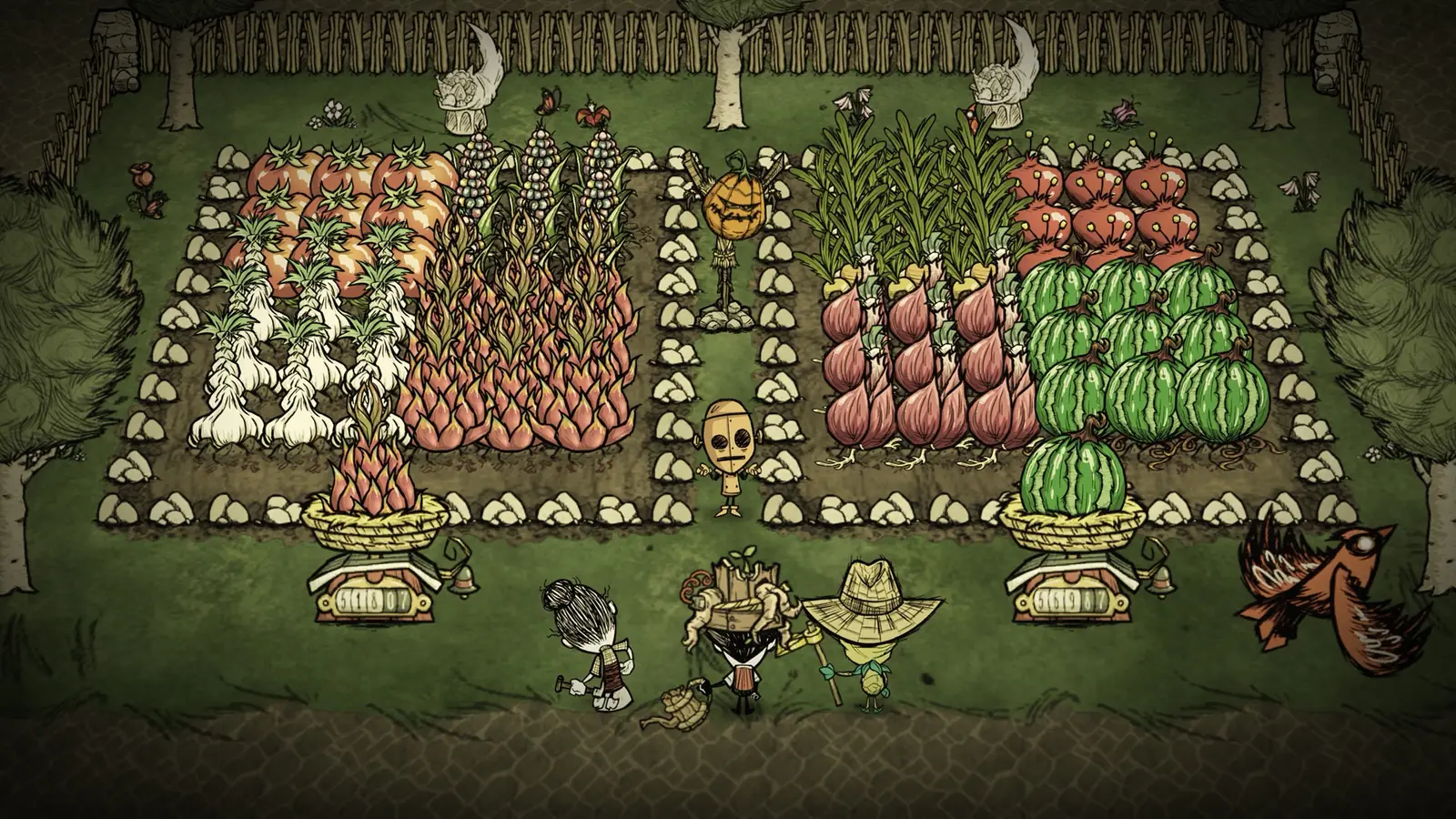
All features at every tier.
Every panel feature is included regardless of which plan you are on. We charge for server resources, not for access to tools.
Starter
£5/mo
2 GB RAM · 6 GB storage
Standard
Popular£9/mo
4 GB RAM · 8 GB storage
Pro
£13/mo
6 GB RAM · 10 GB storage
Frequently asked questions
Something not covered here? Ask us directly.
How do my friends join?
Steam players choose Join Game in Core Keeper and paste your Game ID, which is shown at the top of the Console page. Players on Epic, Xbox or GOG choose Join via IP and paste the IP, port and password the same card copies for them.
Does the Game ID change when the server restarts?
No. Your server keeps the same Game ID through restarts, updates and reinstalls. You can choose your own on the Startup page if you want a new one.
Can I bring my existing world?
Yes. On the World & Admins page choose Upload world, pick the world file from your Core Keeper save folder (it ends in .world.gzip) and make it the active world. If that slot already has a world, it is kept as a backup first.
How do I make someone an admin or ban a player?
Open World & Admins, stop the server, and add the player by their Steam ID or Steam profile link on the Admins or Bans tab. The change applies when the server starts. Admins you make in game show up on the same list.
Can I go back to an earlier save?
Yes. World & Admins lists your backups and the copy the game keeps of each world from before its last save. Restore one with the server stopped, and the world it replaces is kept as a backup, so nothing is lost.
Can I add mods?
Yes. Upload each mod folder to the server mods folder and restart. Players need the same mods installed in their game.
How much RAM do I need?
2 GB runs a new world for a small group. Choose 4 GB for the full 8 players and a big explored world, and 6 GB for large worlds with mods or more players.
Where are the servers?
UK (London), Germany and Canada. You pick the region when you order.
Your cavern, always open.
Plans from £5/mo. Cancel any time.
Questions first? Join our Discord for help, updates and the community.