
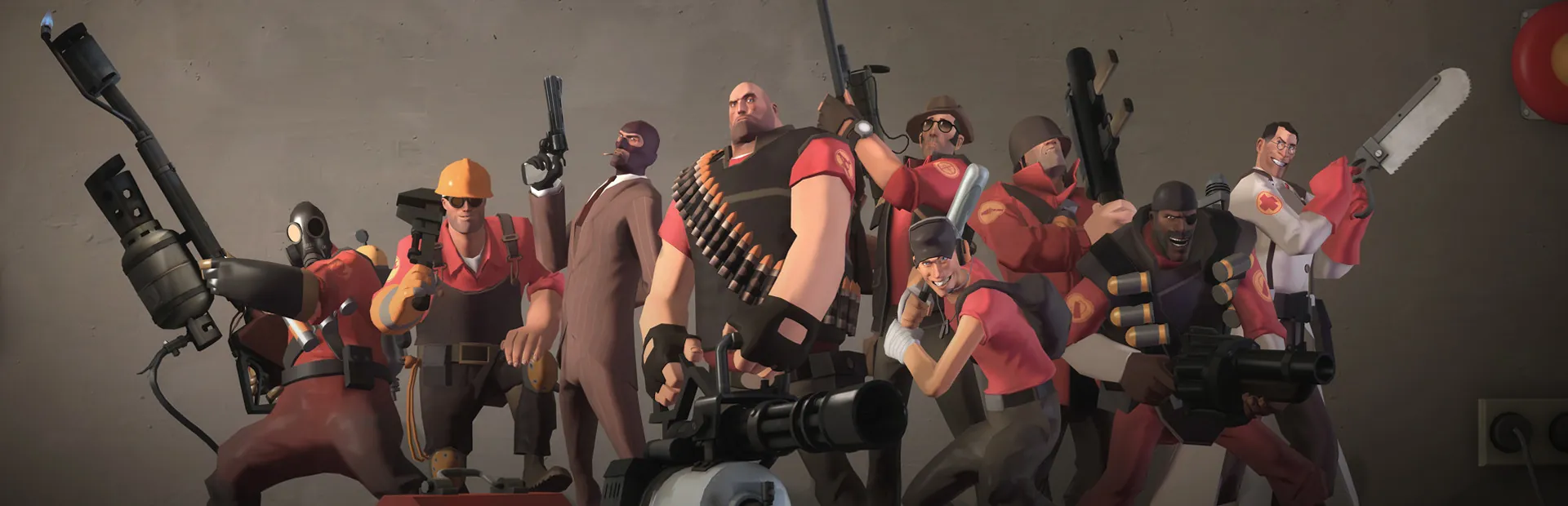

Team Fortress 2 Hosting
Your own TF2 server, your rules.
A Team Fortress 2 community server for your group, your clan or your whole community. Pick the maps, set the rules, add SourceMod plugins, and let it update itself after every patch.
UK, EU and Canada hosted. Full panel access.
What the panel gives you
Maps and Map Cycle
Pick from every map on the server and change now, set the start map, play a Workshop map by its number or link, and put the rotation in order without opening mapcycle.txt.
One-Click SourceMod
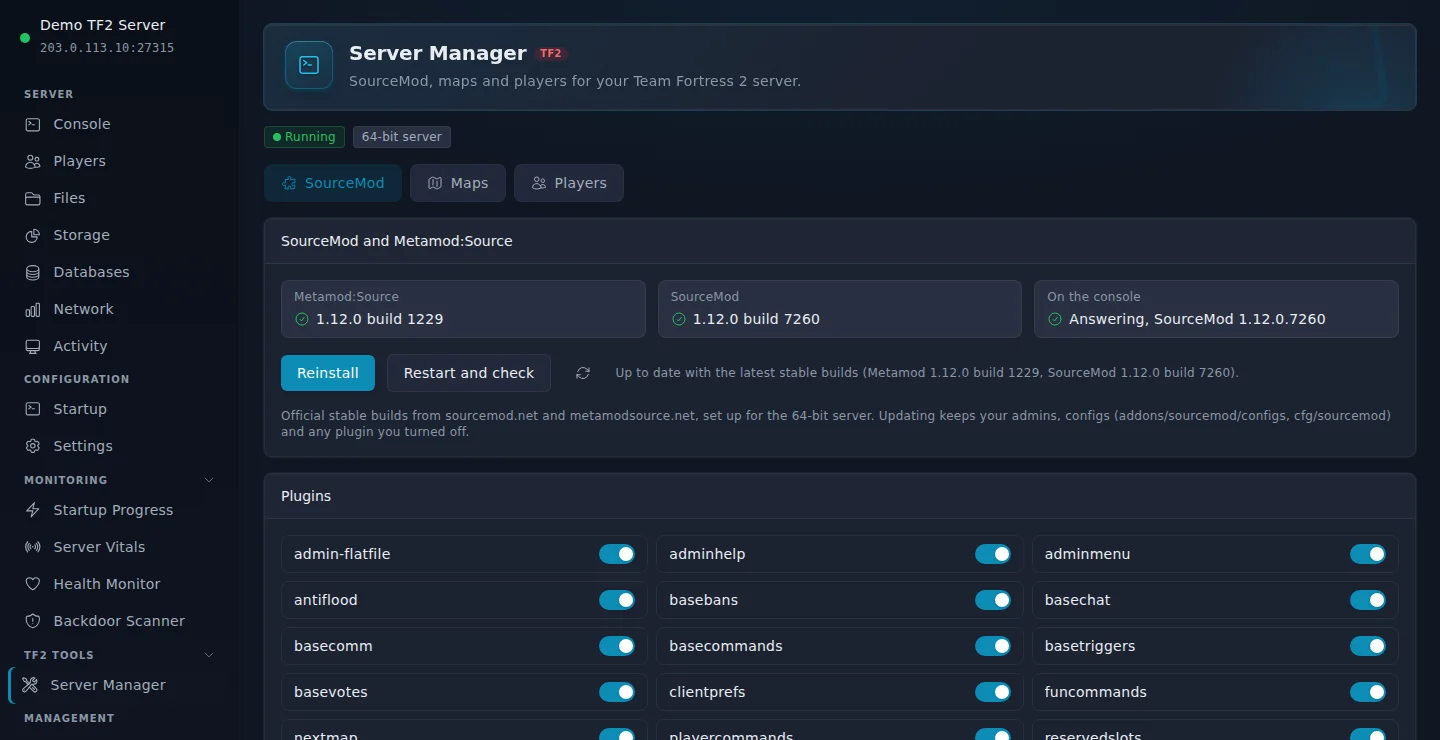
Install or update Metamod:Source and SourceMod from the official stable builds in one click, set up for the 64-bit server. Your admins, configs and turned-off plugins stay as they are.
Bring Your Own Token
Paste your Game Server Login Token into the Startup page for a persistent Steam identity. No token needed to get started.
Updates Itself
The server checks for a Team Fortress 2 update every time it starts, so players on the newest version can always join.
Quick Config Editing
server.cfg, mapcycle.txt and the join message open straight from the Console page. Save and restart.
Players, Kicks and Bans
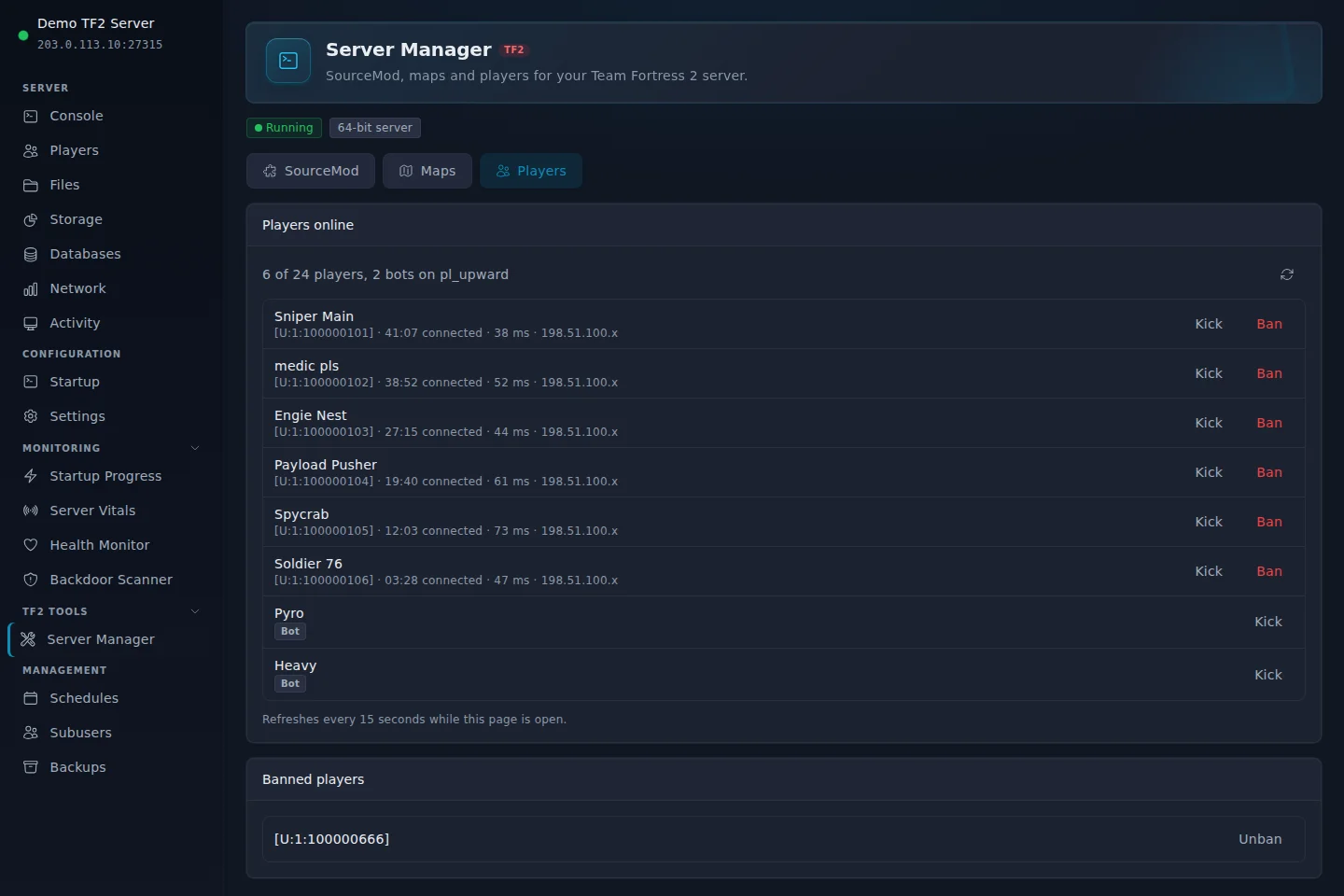
See who is on, how long they have played and their ping. Kick, ban for an hour, a day, a week or for good, and unban from a list.
Live Console
Run any server command from the browser, no RCON client needed.
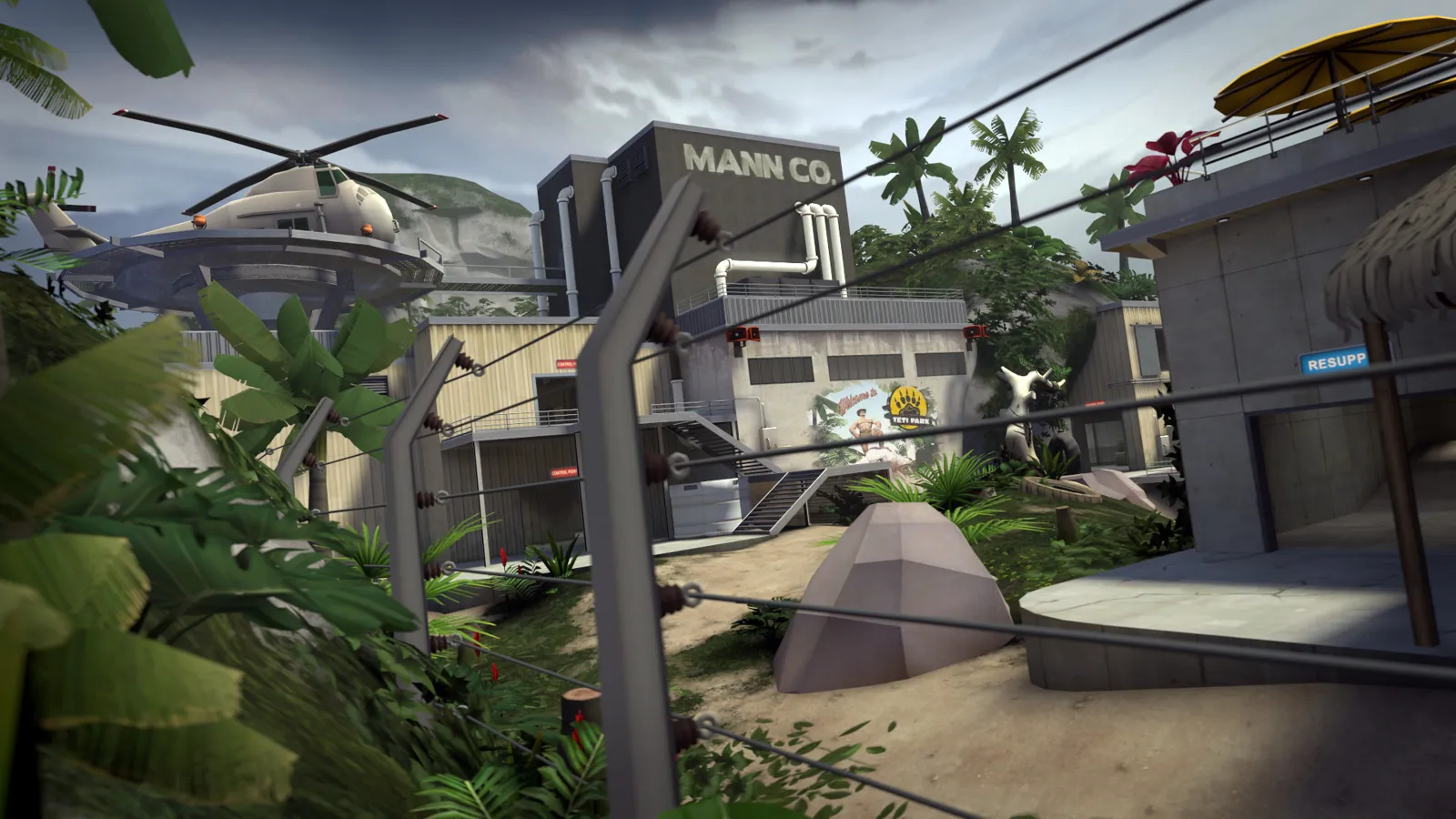
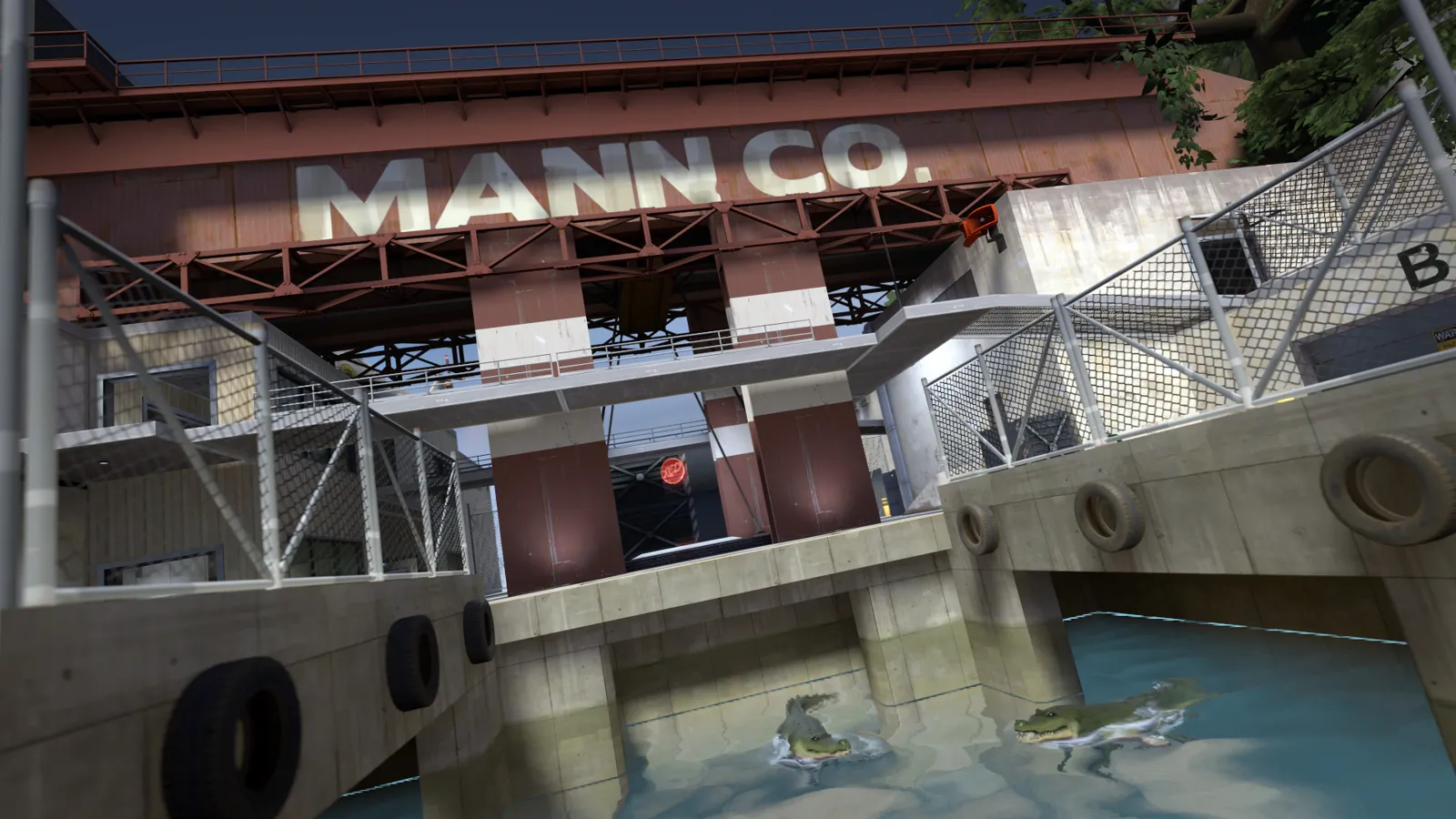
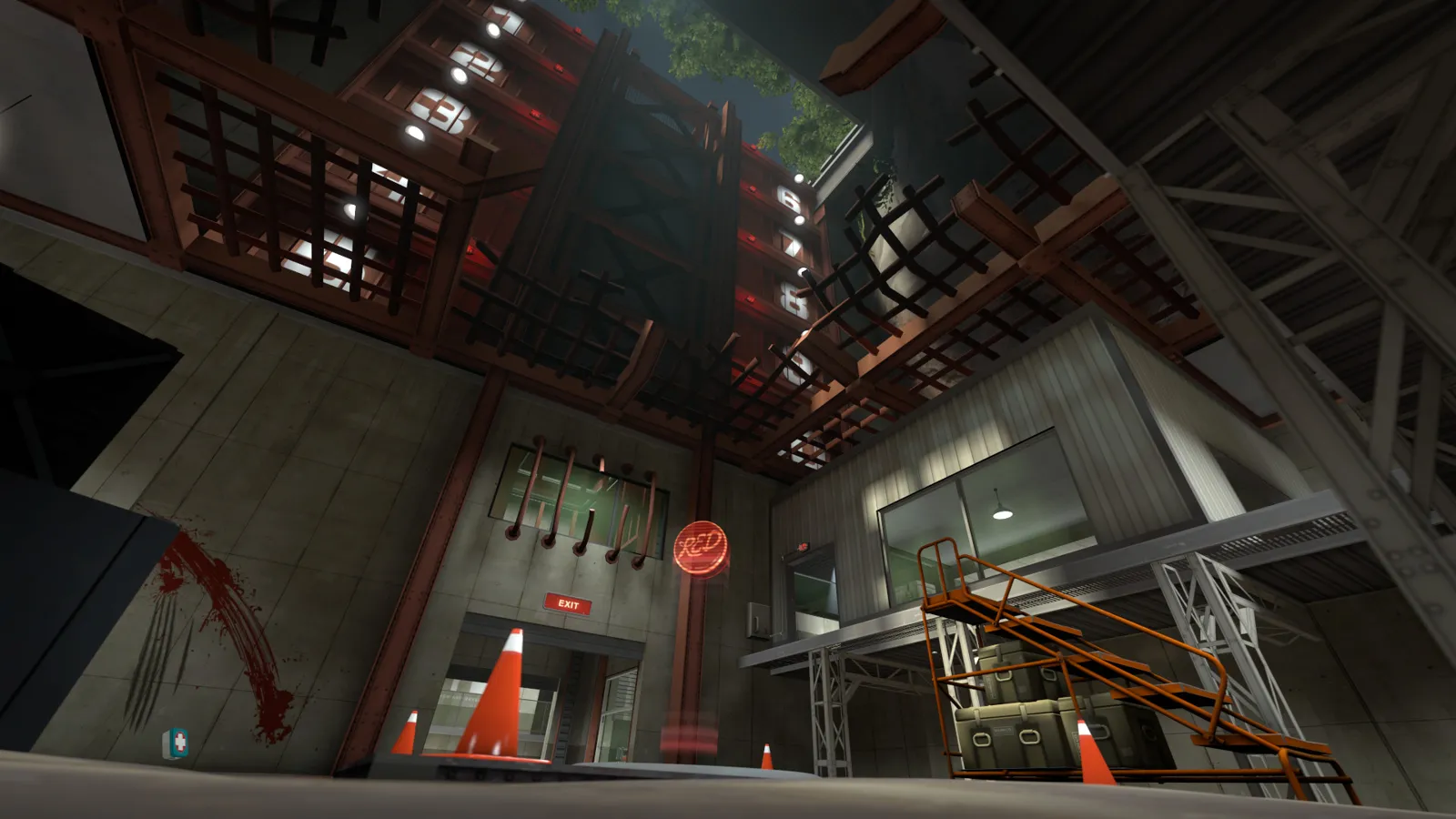
Screenshots: Team Fortress 2 on Steam, Valve.
Game modes
Every mode, your call.
Casual rotation
DefaultCapture the Flag, Control Points, Payload and King of the Hill from the game’s own default map rotation.
Custom and Workshop maps
Trade, jump, surf or any community map. Upload the .bsp or load it from the Workshop.
Plugin servers
Modded game modes and admin tools through SourceMod plugins.
Server Manager, in your panel
SourceMod, maps and players on one page.
Every Team Fortress 2 server comes with the Server Manager. Install SourceMod in one click, run the rotation you want and look after your players, all from the panel.
How players join
Your group is in the game in under a minute.
Open your server in the panel and copy its address from the Console page.
Click Join via Steam on the Console page.
Or open the console (~) and type: connect your server address
The console needs Enable developer console switched on under Options, Keyboard, Advanced. Add the server to your Favorites in the server browser to find it again.
Before you set one up.
Your own Steam token
A Game Server Login Token gives the server a persistent Steam identity. Make one for free on Steam with App ID 440 and paste it into the panel. Without one the server still runs and shows in the server browser.
Always on the latest update
Steam updates Team Fortress 2 for every player at once. Your server checks for the update each time it starts, so a restart is all it takes after a patch.
CPU matters more than memory
A Team Fortress 2 server idles at under 1 GB of memory. 2 GB covers a full 24 player public server. Choose 4 GB for 32 players, many plugins or a big custom map rotation.
More Steam games we host



Zeros Host is an independent hosting provider and is not affiliated with or endorsed by Valve. Team Fortress 2 and Steam are trademarks of Valve Corporation, used here only to describe what our servers run. Team Fortress 2 artwork and logo on this page are official Valve material from the Steam store, shown to identify the game.
All features at every tier.
Every panel feature is included regardless of which plan you are on. We charge for server resources, not for access to tools.
Starter
£5/mo
2 GB RAM · 25 GB storage
Standard
Popular£9/mo
4 GB RAM · 40 GB storage
Frequently asked questions
Something not covered here? Ask us directly.
Do I need a Game Server Login Token?
No. Without one the server starts, appears in the Steam server browser and players can join. A token gives the server a persistent Steam identity. Create one for free at steamcommunity.com/dev/managegameservers with App ID 440, paste it into the Startup page and restart.
How do players join?
With Join via Steam on the Console page, or by typing connect and the server address in the game console. Enable the developer console under Options, Keyboard, Advanced first.
Can I run SourceMod plugins?
Yes. Open Server Manager in the panel and click Install SourceMod. It installs the official stable Metamod:Source and SourceMod builds for the 64-bit server, and Restart and check confirms both are running. Add plugins by uploading .smx files, and switch any plugin on or off from the same page.
Can I use custom and Workshop maps?
Yes. Upload .bsp files to tf/maps, or paste a Workshop map link or number into Server Manager to play it now or add it to the map cycle. The server downloads Workshop maps itself and keeps them updated.
How do I kick or ban a player?
Open the Players tab in Server Manager. Every player on the server is listed with their Steam profile, time on the server and ping. Kick with a reason, or ban for an hour, a day, a week or permanently. Bans are by Steam account, so a new name does not get around them, and permanent bans survive restarts.
How much memory do I need?
2 GB runs a 24 player public server comfortably. Choose 4 GB for 32 players, a large plugin set or a long custom map rotation.
Where are the servers?
UK (London), Germany and Canada. You pick the region when you order.
Your own TF2 server, your rules.
Plans from £5/mo. Cancel any time.
Questions first? Join our Discord for help, updates and the community.